Tactus lets you enter a passage of changing meters in seconds, then subdivide every beat exactly as the passage demands.

One-time purchase, no subscription. iPhone & iPad, with Android coming soon.
Walkthrough, 6:40 Tap to play

Try it.

A simplified version of the app.

  • Tap + Add bar to build a passage
  • Tap a beat to open Beat Inspector: tap a dot to change its accent, or scroll down to change its subdivisions
  • Tap the tempo marker above a bar to set a tempo change
  • Press play
Untitled
Tap + Add bar to begin
= 120
Add Bars Meter Keyboard
Tap a meter to begin
Bar 1 · Beat 1 4/4
Tap a dot to cycle: loud · medium · soft · silent
Bar 1 Tempo Change
= 120

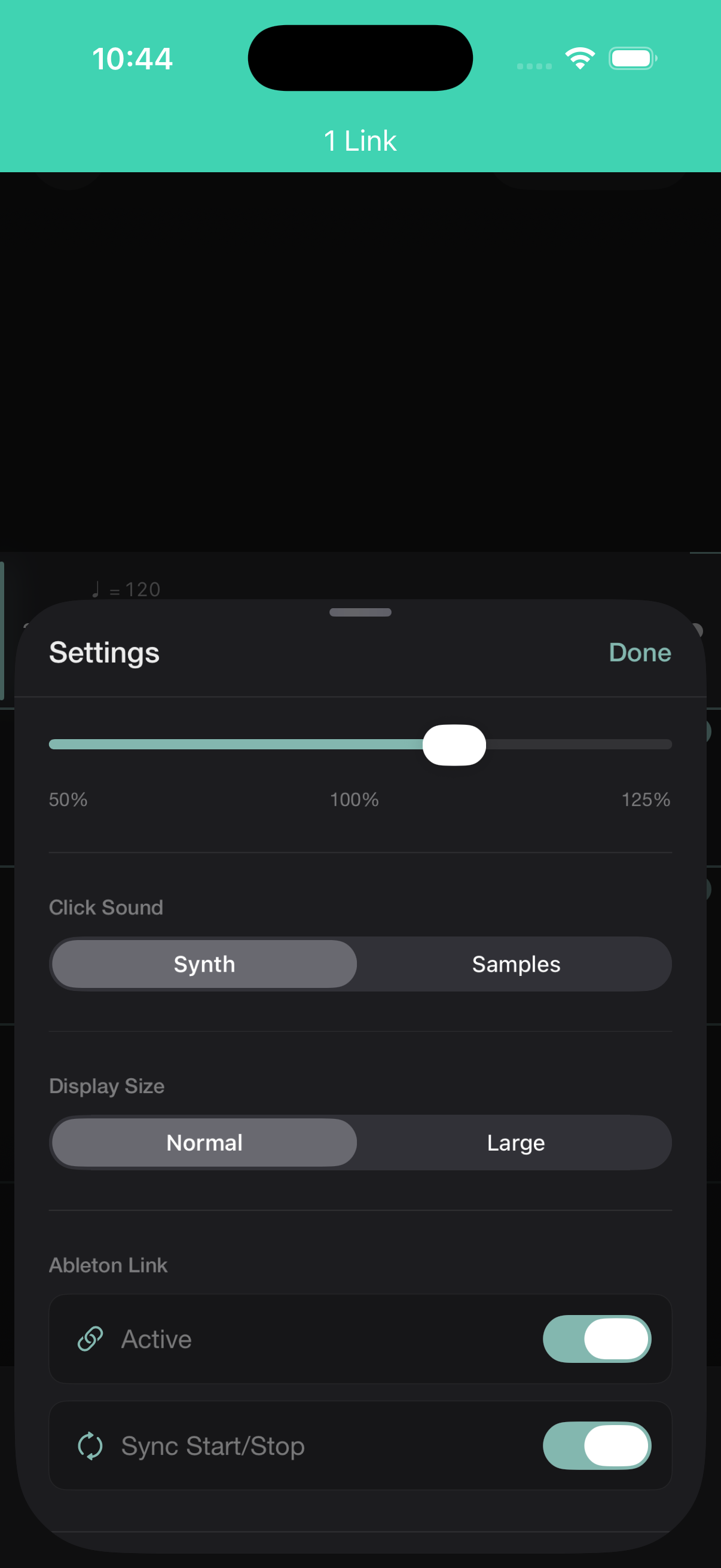
This is a slice of the app, capped to keep it simple to try. The full app adds conducted feel, practice speed, count-in, a tempo shape editor, Ableton Link sync, and a lot more. See everything else it can do →

A passage in seconds, not minutes.

Tap the meter keyboard. Each tap adds a bar, 5/8, 7/16, 4/4, 3/8, in any order, landing with correct accents by default. Enter any custom meter too, any numerator from 1 to 32 over 2, 4, 8, or 16. For the bars that need more, every subdivision is a tap in the editor.

Draw rits and accels the way you hear them.

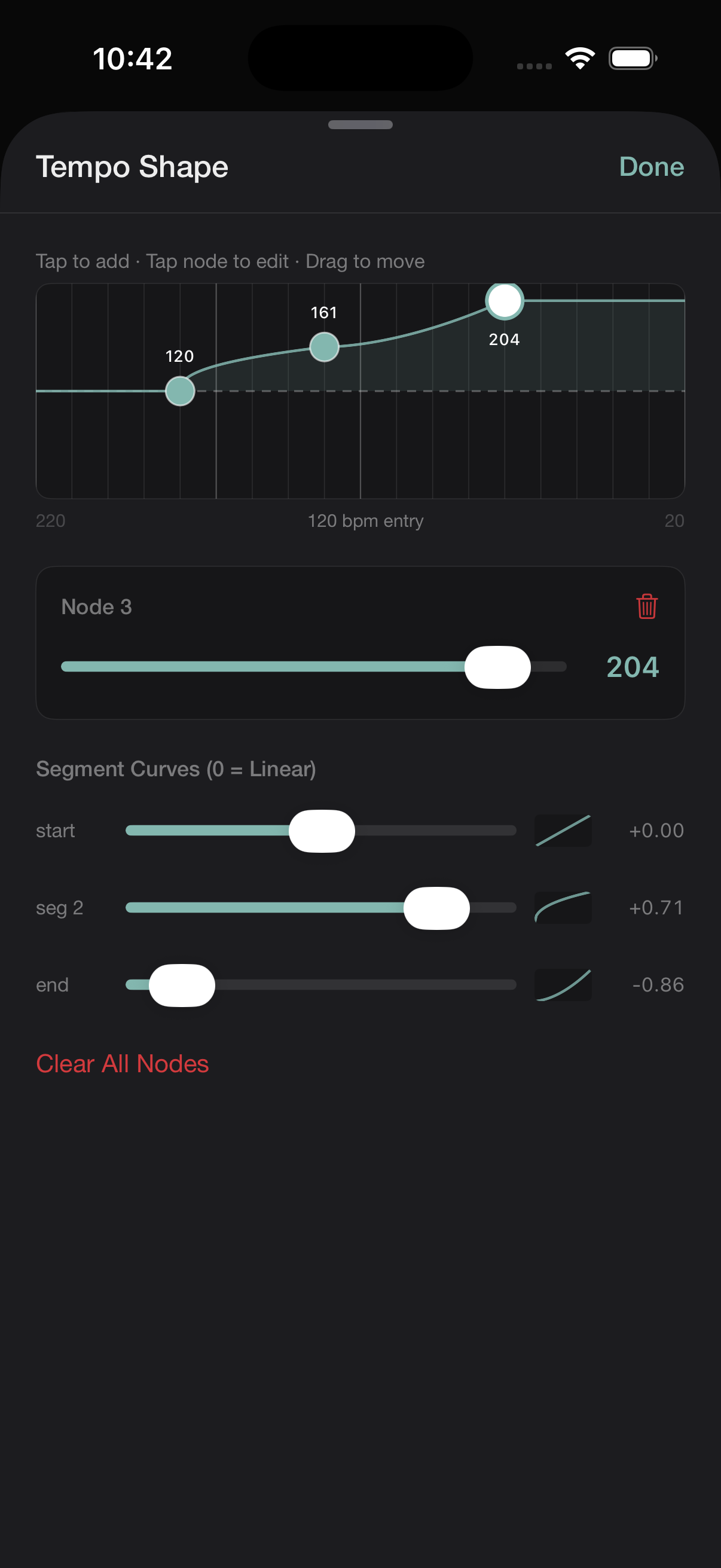
Draw a tempo curve across any range of bars, linear, ease-in, or ease-out per segment. A ritardando that lands softly. An accelerando that plateaus before the downbeat.

Tactus Tempo Shape editor: a 3-node curve ramping 120 to 161 to 204 bpm with per-segment easing sliders below.

Everything else.

Full feature reference in the manual

Who this is for.

Percussionists preparing contemporary repertoire. Conductors internalizing a mixed-meter score before rehearsal. Composers, chamber musicians, and orchestral musicians working through anything a normal metronome can’t handle.

$9.99USD
One-time purchase iPhone, iPad & Android soon No subscription

Tactus is live on the App Store. Download and map your first passage.

Download on the App Store

Questions, in plain language.

Can the tempo change within a passage?
Yes, two ways: per-bar BPM overrides, or the Tempo Shape editor for a gradual ramp across a range of bars.
Does it sync between my iPad and iPhone?
Yes, passages sync via iCloud and appear on all your devices automatically. Nothing beyond your Apple ID required.
Is there a subscription?
No. One-time purchase, everything included, free updates for the lifetime of the major version.
Can I share passages with collaborators?
Yes, export a .rhythmmap file and send it any way you like. They open it directly in their copy of Tactus and see exactly the map you built.
How do I import a passage or a tempo map?
Opening a .rhythmmap file adds it to your Library as a whole new passage. To bring in just the bar structure and tempo instead, use Import Tempo Map in a passage's settings and pick another passage. It copies over the meters and tempos, padding or trimming bars to match, while keeping the beat content you already have.
Is there an Android version?
Not yet, it's coming. Ableton Link sync will work the same way between iPhone, iPad, and Android once it ships.